
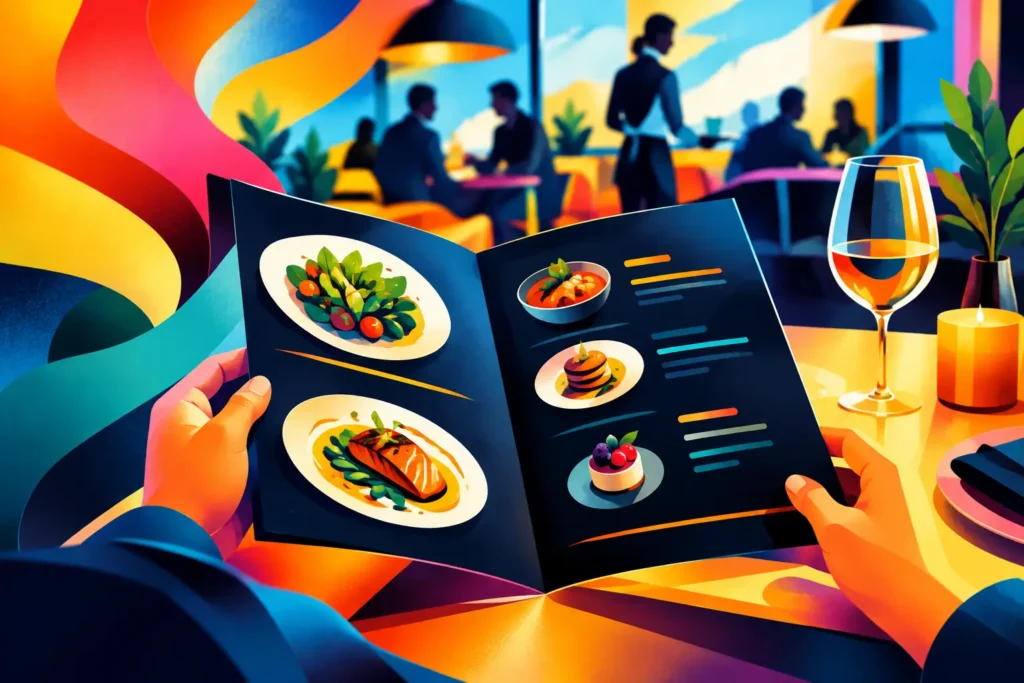
A menu is not just a list of dishes. It is one of the hardest-working sales tools in your restaurant, cafe, bar, food truck, or catering business. This printed menu design guide helps you build a menu that is easy to read, on-brand, and ready for the spills, handling, and fast decisions that happen during real service.
A great menu does not need to be crowded with graphics or packed with every item you have ever made. It needs to help customers choose confidently. When the layout, paper, colors, and finishing are right, your menu can make your operation look more professional while steering attention toward the items you want to sell.
Start With How Customers Actually Order
Before choosing fonts or colors, think about the moment your customer receives the menu. Are they standing at a counter? Ordering from a table in low light? Reviewing catering packages in an office? Picking up a takeout menu at the register?
That setting should shape the design. A quick-service restaurant needs a menu that can be scanned in seconds. A full-service restaurant may have room for short descriptions, add-ons, and drink pairings. A salon, barbershop, or service business using a price menu needs categories that make the right service easy to find.
Start by organizing items into logical sections. Appetizers, mains, sides, desserts, beverages, and specials are familiar categories for restaurants. Keep the number of sections manageable. If customers have to hunt for a burger, a lunch combo, or a catering tray, the menu is working against your staff.
Put your strongest sellers and highest-margin items where eyes naturally land. That might mean the top of a panel, the first item in a category, or a featured box on the front of a folded menu. Do not force every item into the same visual weight. A few intentional highlights are more effective than making everything bold, colorful, and oversized.
Build a Printed Menu Design That Stays Readable
The biggest menu design mistake is trying to fit too much on the page. Tiny type may save space, but it costs sales when customers cannot read it without squinting. A menu should be clear for guests of different ages and easy for servers to reference during a busy shift.
Choose one easy-to-read font for body text and, if needed, one display font for headings. Script fonts and decorative type can add personality, but use them carefully. If a customer cannot quickly read the name of an item or its price, the font is not helping your brand.
Give the content room to breathe. White space is not wasted space. It separates sections, makes prices easier to follow, and gives featured items more impact. Keep descriptions short and appetizing. Instead of listing every ingredient, lead with what makes the dish worth ordering: house-smoked chicken, crispy buttermilk wings, garlic herb rice, or fresh-made mango lemonade.
Pricing deserves attention too. Keep prices consistent throughout the menu. Align them in a clean column or place them directly after each item name. Avoid a trail of dots that makes the menu feel dated and encourages customers to price-shop line by line. The goal is clarity, not distraction.
Use Photos Only When They Earn Their Space
Food photos can drive orders, especially for takeout menus, fast-casual concepts, bakeries, and dessert shops. But low-resolution images, dark phone photos, or too many competing pictures can make a menu look less professional.
Use a small number of sharp, well-lit photos that show your best sellers. If your food presentation is strong, photography can do a lot of selling. If not, a clean type-based menu with color accents may be the better choice. It depends on the brand, the audience, and how often your offerings change.
Pick the Right Menu Size and Format
The best format is the one your staff and customers can use comfortably. A single-page menu is simple, affordable, and great for counter service or limited offerings. A folded menu creates more room without feeling overwhelming. Table tents work well for specials, drink promotions, desserts, and seasonal events.
For restaurants with frequent updates, consider a core menu with separate inserts for specials or price changes. This can reduce reprint costs and keep the main piece consistent. If you only need to update one category, you should not have to throw away a full stack of menus.
Common printed menu formats include flat one-page sheets, bi-fold menus, tri-fold menus, booklets, takeout menus, and laminated table menus. The right choice depends on your amount of content and how the menu will be handled. A tri-fold may work for a large selection, but it can feel cramped if each panel is overloaded. A booklet can feel premium, but it may be unnecessary for a compact lunch menu.
Always design to the final size. A layout that looks balanced on a large computer monitor can become difficult to read once it is printed at 8.5 by 11 inches or smaller.
Paper and Finishing Matter More Than You Think
Paper stock affects how customers perceive your business before they even read the menu. A thin sheet may be fine for disposable event menus or temporary promotions. For a restaurant menu used every day, a heavier stock feels more professional and lasts longer.
Glossy paper makes colors and food photography pop, while matte paper gives a softer, more upscale look and reduces glare. Neither is automatically better. A bright, photo-driven takeout menu may benefit from gloss. A fine-dining menu, coffee shop menu, or service price list may look stronger on matte stock.
Lamination is a smart option for menus that are handled constantly, wiped down often, or exposed to spills. It adds durability and makes cleaning easier. Still, lamination is not ideal for every job. If you update prices weekly or run rotating specials, reprinting laminated menus can create unnecessary cost. In that case, use laminated core menus with replaceable inserts.
For outdoor seating, food trucks, bars, and family restaurants, durability should be part of the plan from day one. A menu that looks good on opening day but curls, stains, and tears after a week is not a quality solution.
Prepare Print-Ready Files Before Production
A strong design can still run into trouble if the file is not set up for print. Keep photos high resolution. Images pulled from social media or screenshots are often too small for clean printing and can come out blurry or pixelated.
Build the file at final print size and include bleed when artwork reaches the edge of the page. Bleed gives the printer extra image area to trim cleanly, preventing unwanted white borders. Keep important text, logos, prices, and QR codes safely away from the trim edge.
Use CMYK color settings for printed pieces when possible. Screen colors can look brighter than printed ink, particularly neon shades and intense blues. A proof is the best way to catch surprises before committing to a large run.
Do not forget the practical details: business hours, address, phone number, ordering information, dietary symbols, service charges, and tax language if applicable. Review every price, spelling, and modifier before print. A quick second set of eyes can save you from reprinting hundreds of menus because one combo price changed or an item was listed twice.
Make the Menu Work With Your Brand
Your menu should feel like it belongs to your business. Use the same logo, brand colors, and tone customers see on your storefront, packaging, shirts, signs, and social media. A polished menu builds trust because it shows customers that the same attention goes into your presentation and your product.
That does not mean every menu needs a complicated brand package. A local spot with a bold logo and two brand colors can look sharp with a clean layout, strong section headers, and professional printing. The key is consistency.
For businesses around Elmont and the greater New York area, GFX The Print Shop can help turn a menu concept into professional printed materials that match your day-to-day needs, whether you need a short run for a new opening or durable menus for steady service.
Print Enough, But Stay Flexible
Ordering in bulk usually lowers the cost per menu, but large quantities are not always the right move. If your prices, offerings, or branding are still changing, order a smaller run first. Test it during service. Watch where customers pause, what questions they ask, and whether staff can find information quickly.
Once the menu is proven, a larger print run makes more sense. Keep a digital master file organized so future updates are fast. Small changes should not turn into a full redesign every time.
Your menu should make ordering feel easy and make your business look ready for the next customer. Choose a format that fits the way you serve, print it on materials that can handle the job, and give your best items the attention they deserve.